View organization activity
View details of all activity within an organization, such as cluster creation, deletion, updates, and user invitations.
About organization activity
This feature is only available in SaaS.
View activity
To view organization activity:
- In the left navigation, click Organization > Manage organization.
- Open the Activity tab.
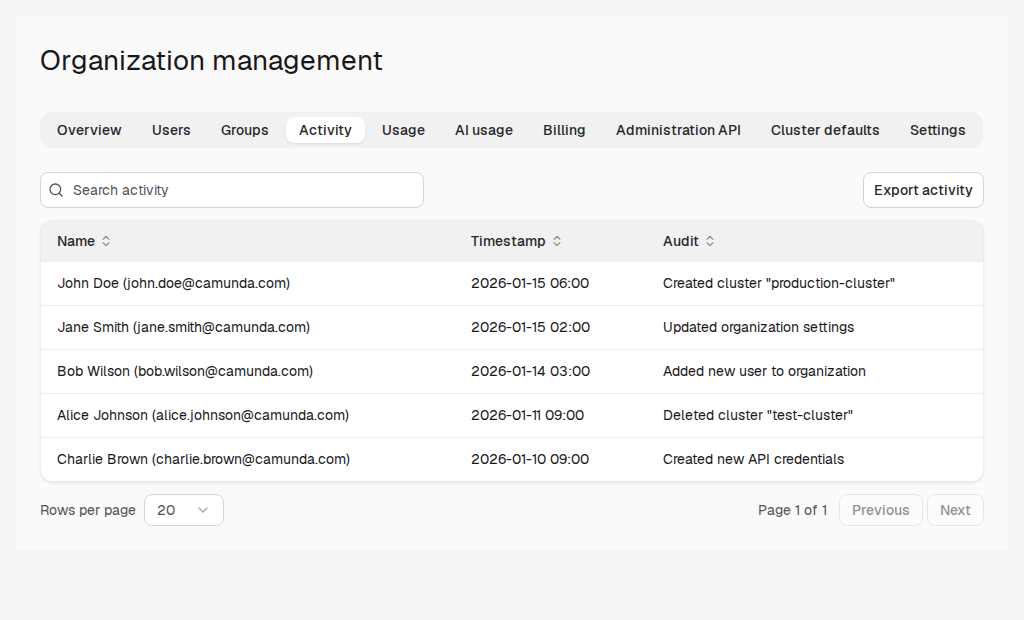
On the Activity tab, you can click Export activity to export the activity record as JSON or CSV.