Upload files
Upload a BPMN diagram, DMN diagram, or any other supported file into Web Modeler using one of the following methods:
-
In a project, click New > Upload files and select the files from your computer.
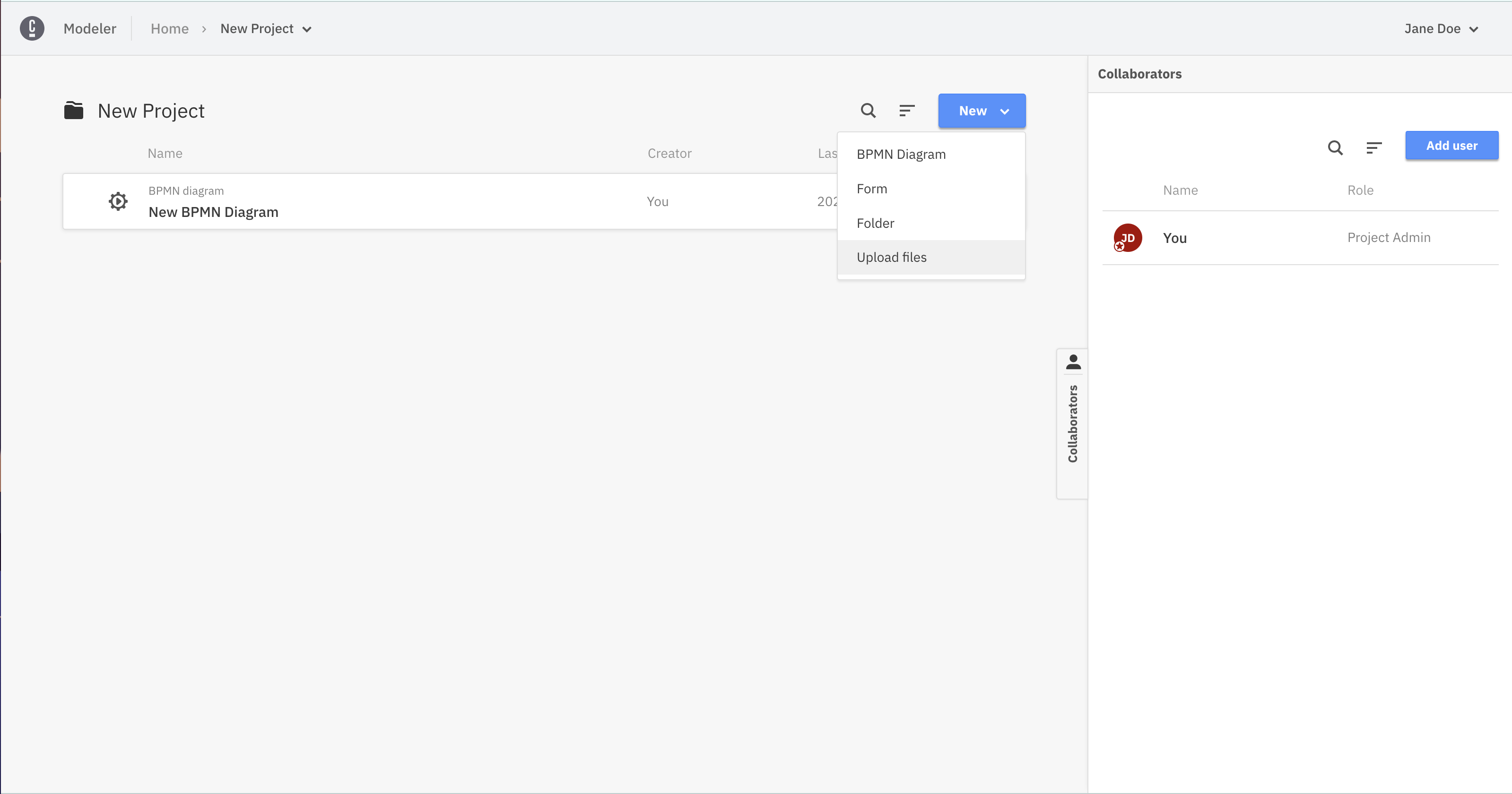
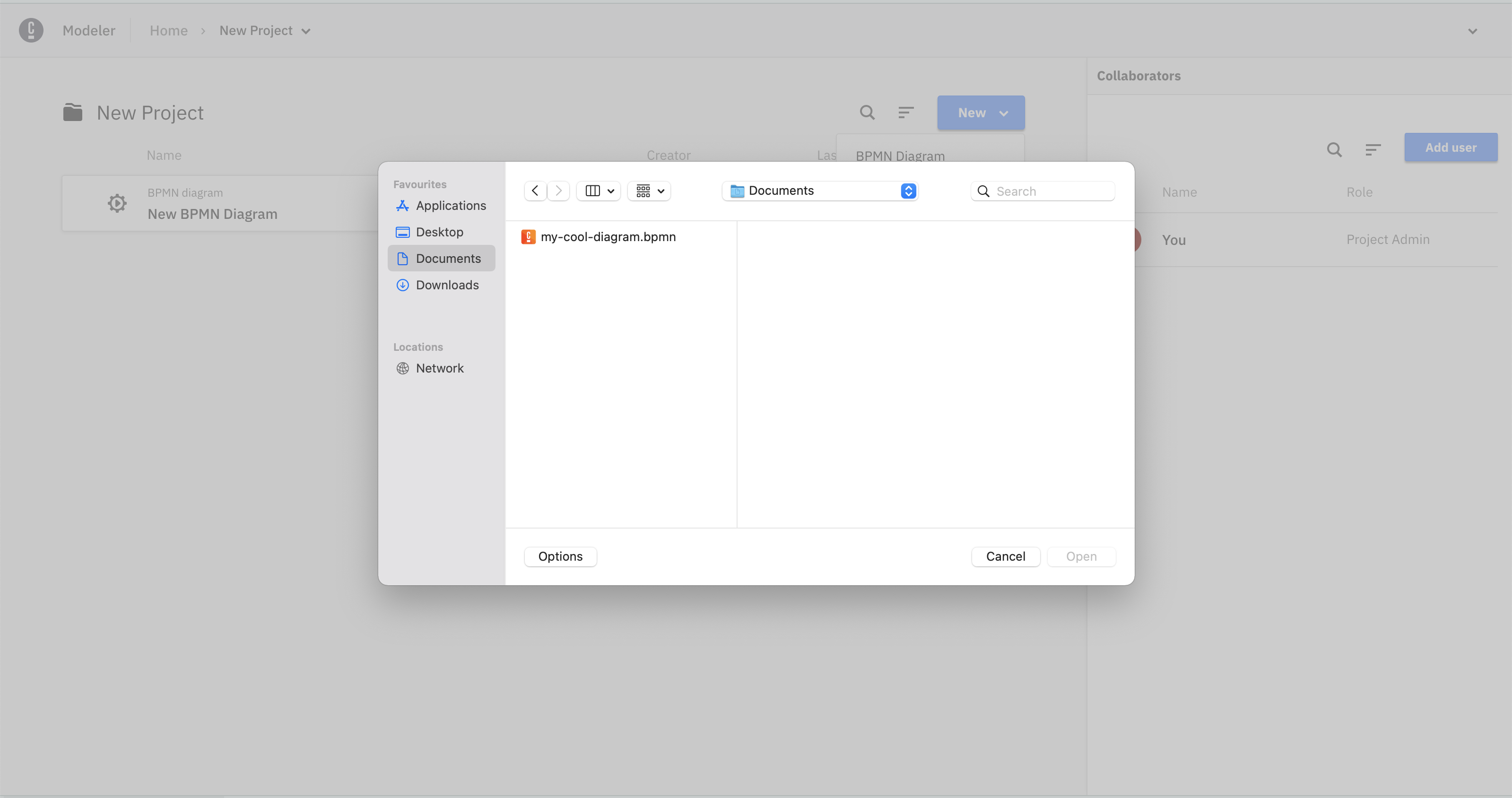
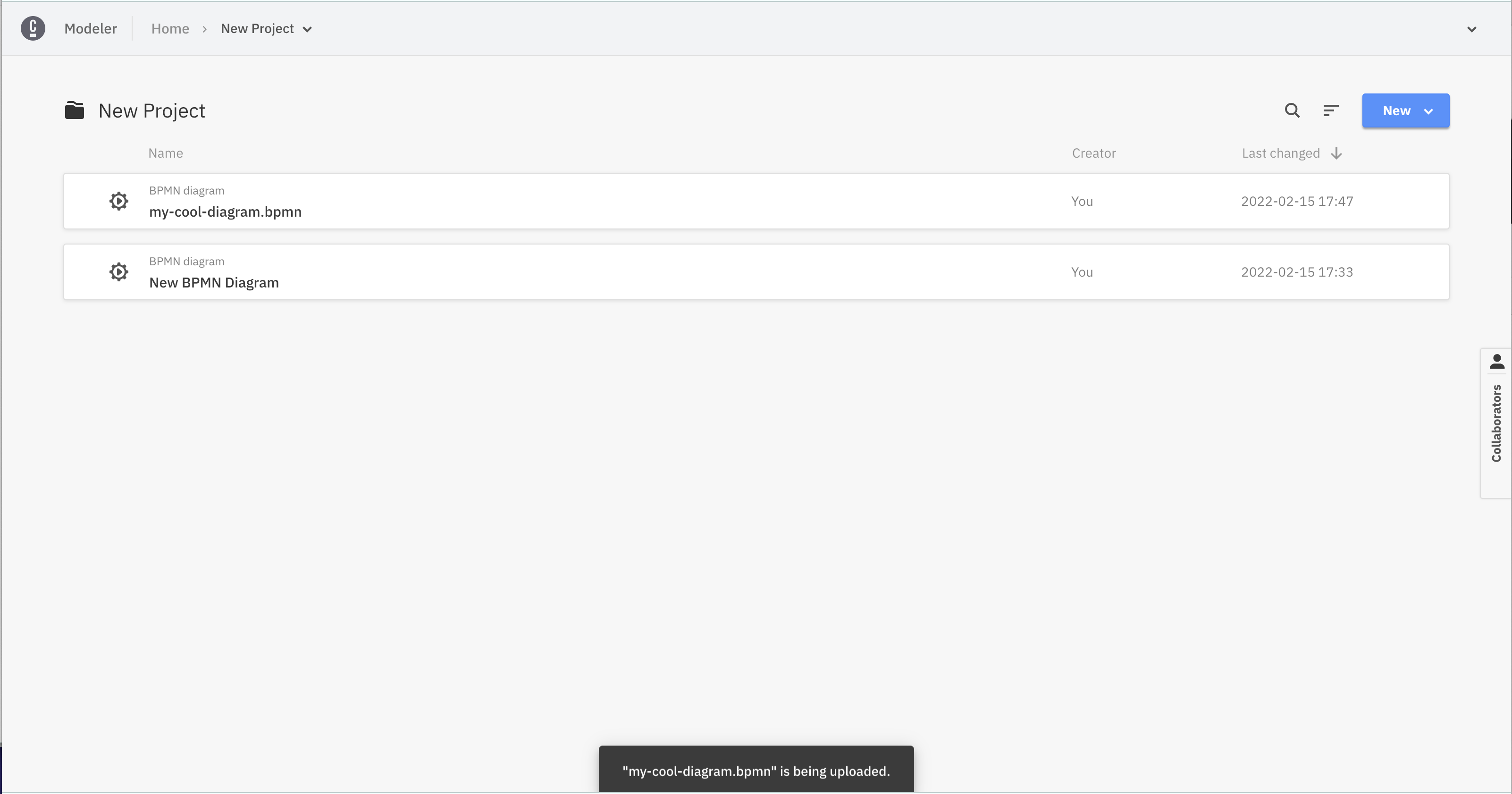
-
In a project, drag one file from your computer and drop it.
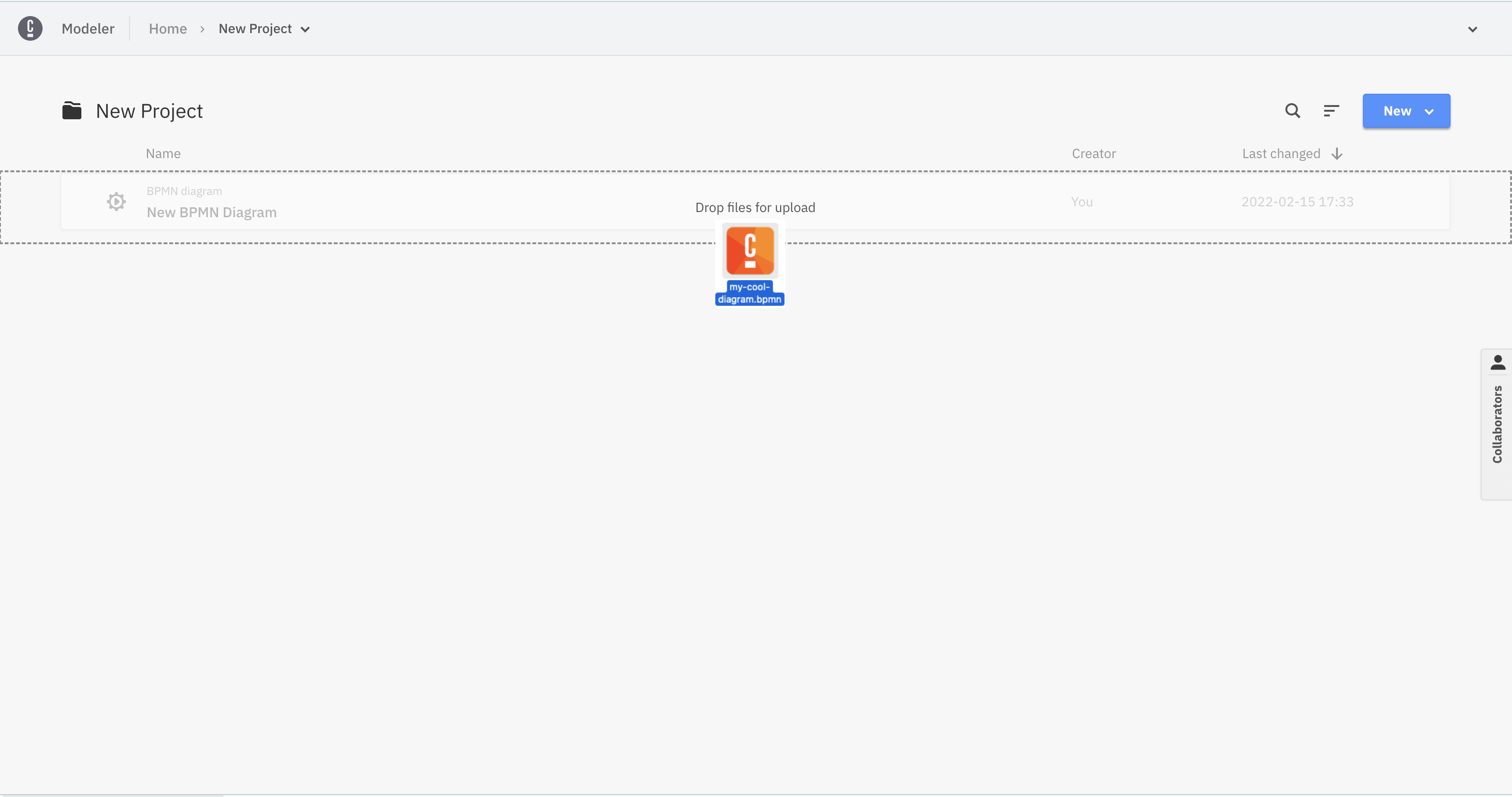
For the two options below, the content of the Web Modeler resource is replaced with the content of the file.
-
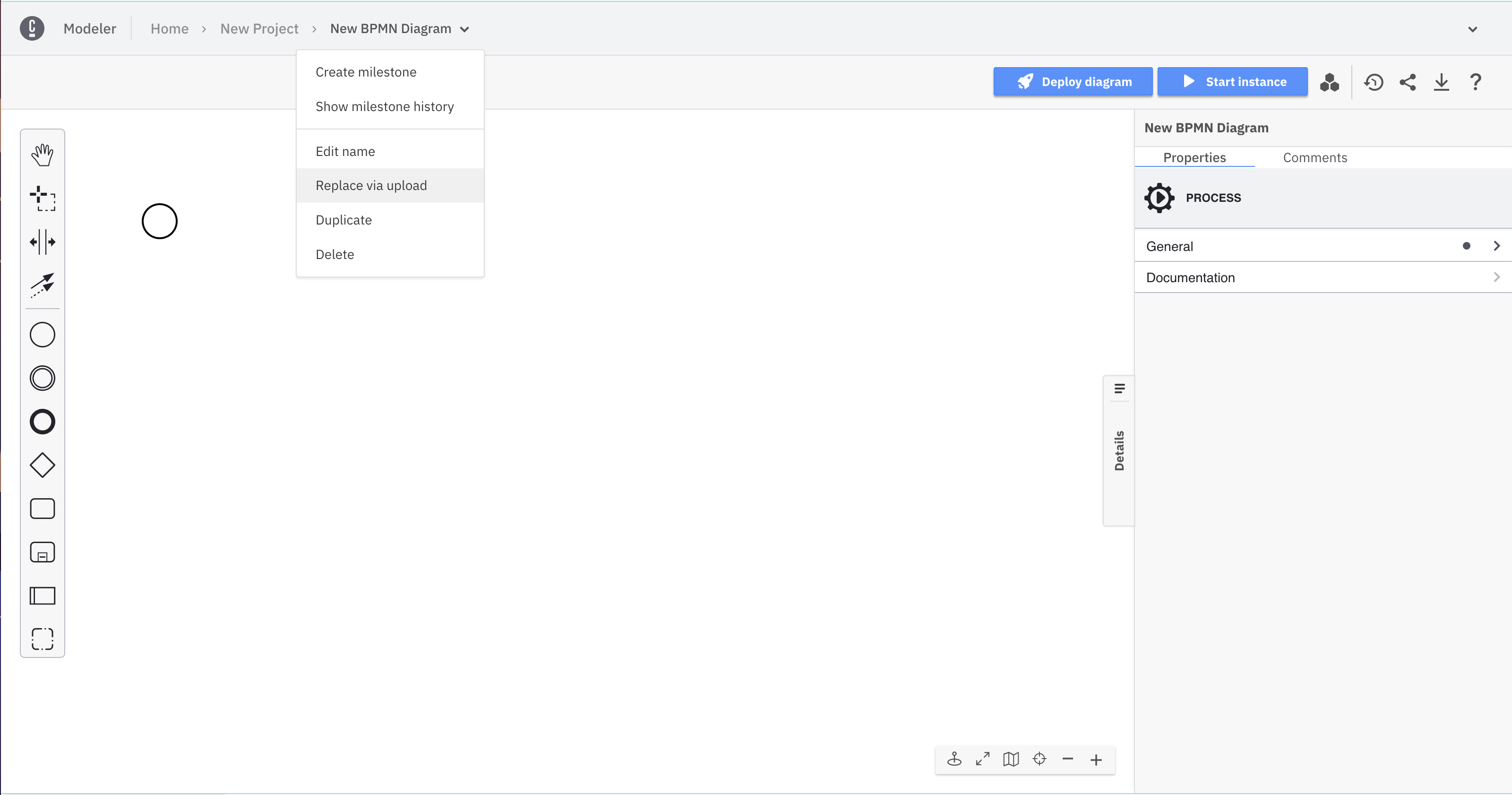
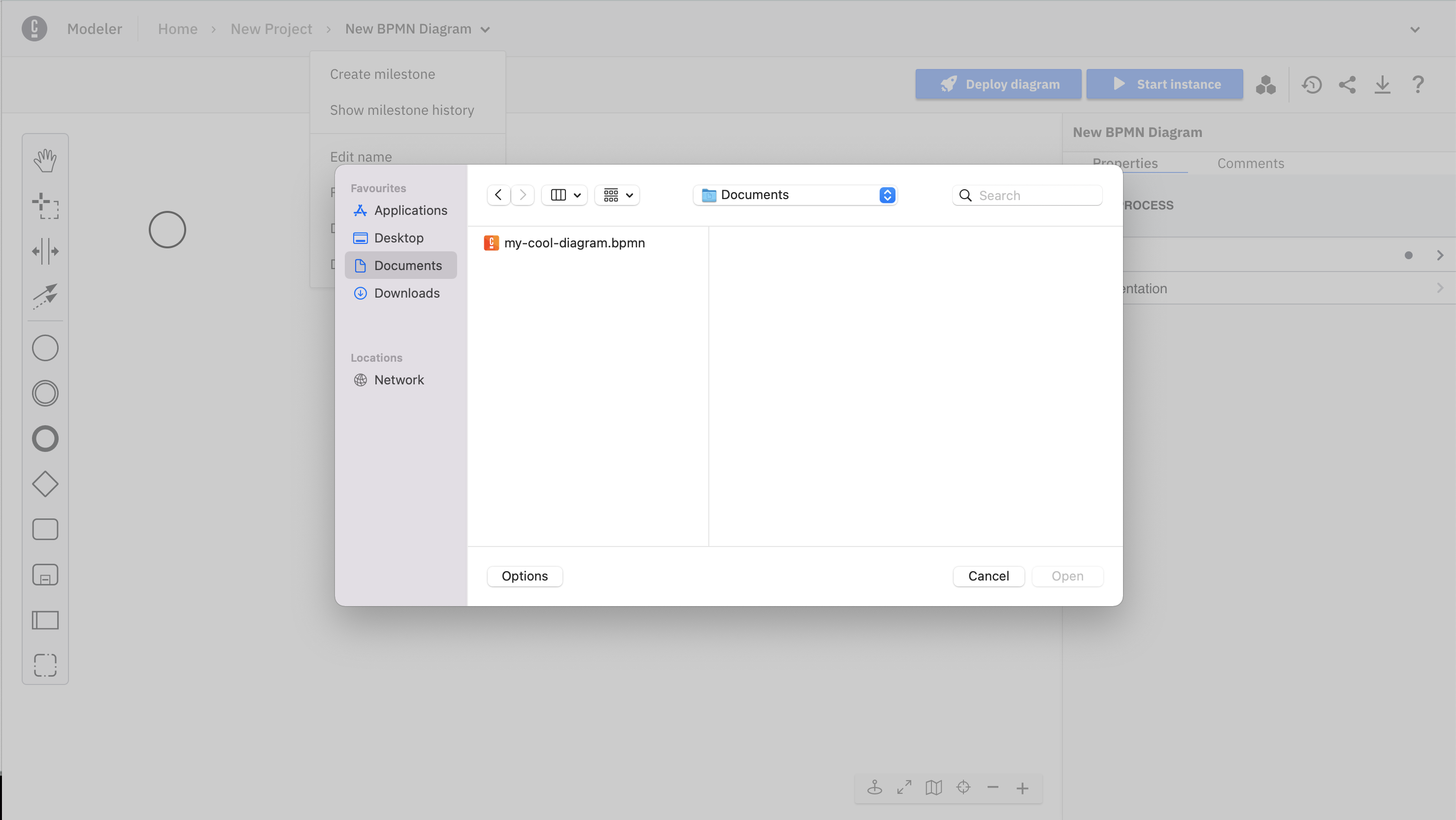
In a Web Modeler resource editor, open the breadcrumb menu and choose Replace via upload. Then, select a file from your computer.
-
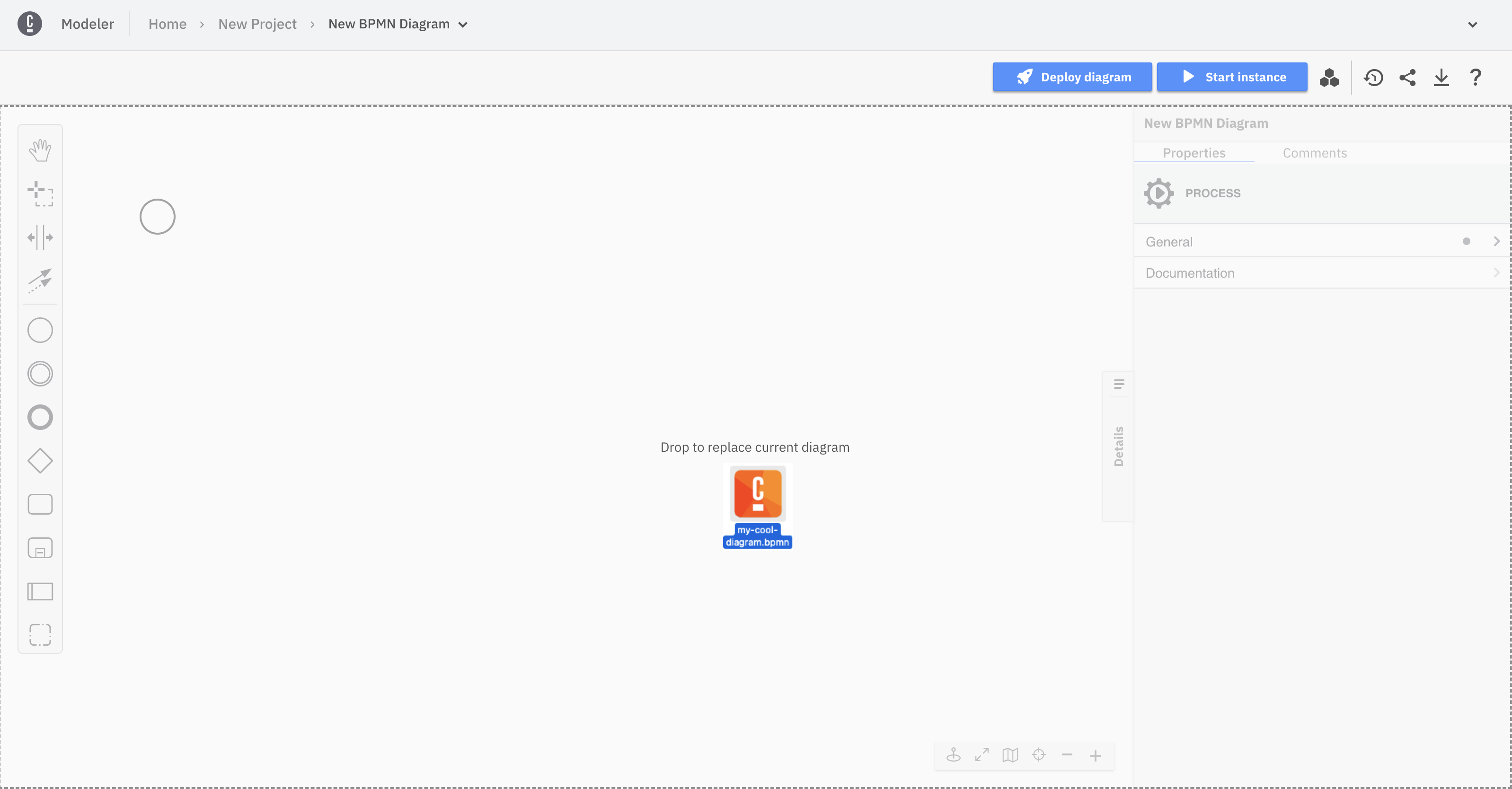
In a Web Modeler resource editor, drag one file from your computer and drop it onto the canvas.
Undo/redo management limitations
You cannot undo or redo any actions taken before an upload as the undo/redo history is cleared when a diagram is uploaded. This prevents inconsistencies between the uploaded diagram and any actions taken before the upload.