View organization activity
You can view all activity within an organization on the Activity tab.
For example, you can see details for cluster creation, deletion, updates, and user invitations.
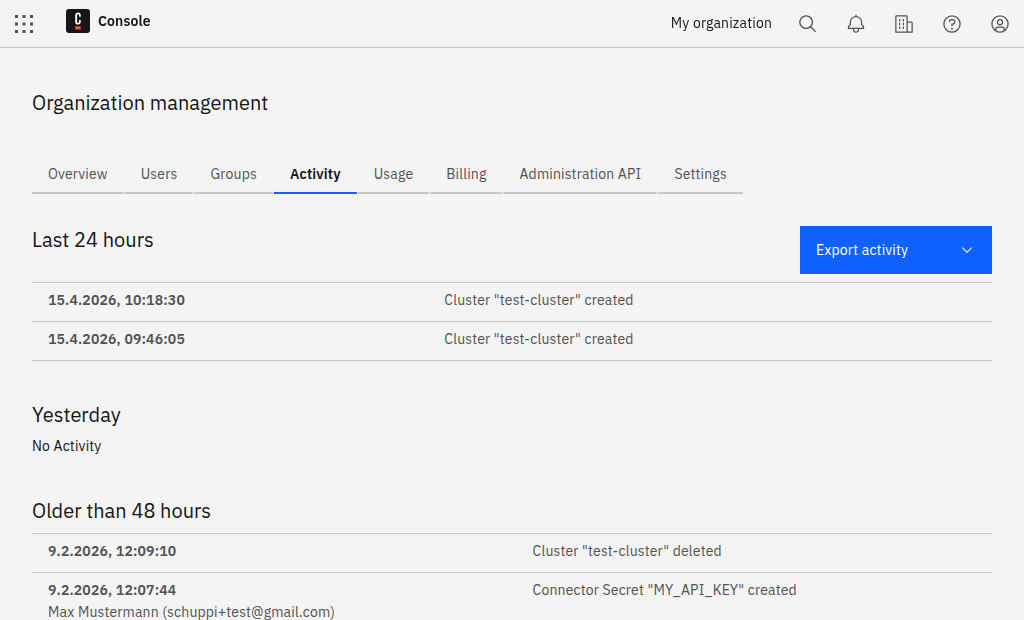
Export activity
Click Export activity, and select whether to export and download the activity list as a JSON or CSV file.