Delete your Camunda account
To delete your Camunda account, take the following steps:
- Log in to your Camunda account.
- Ensure you are in Camunda Hub. To do this, select the square-shaped Camunda components icon in the top left corner of your screen and select Camunda Hub.
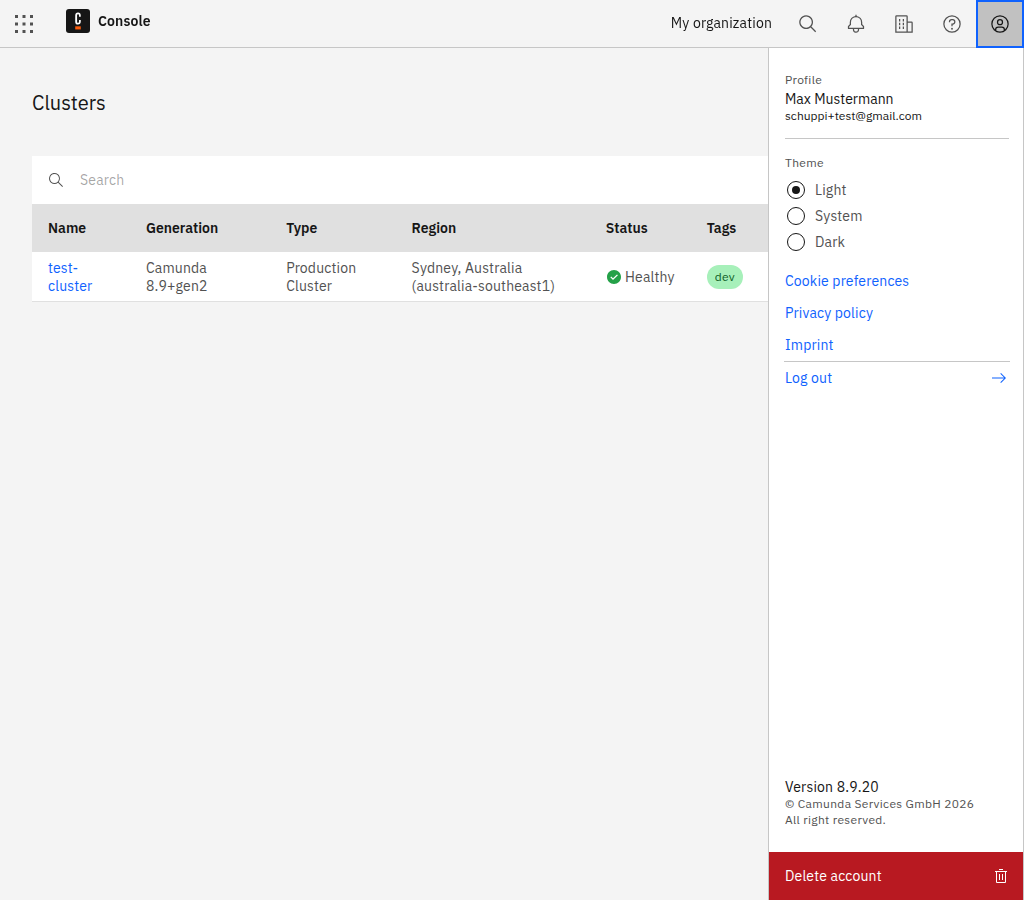
- Select the top right Open Settings user icon.
- Select Delete account at the bottom of the panel.
If you are the only member of this organization, your free trial organization and its cluster will be deleted as well.