Manage user groups
Organize users into groups within your organization.
Creating a group
To create a group, navigate to the Organization section of Camunda Hub and click on the Groups tab.
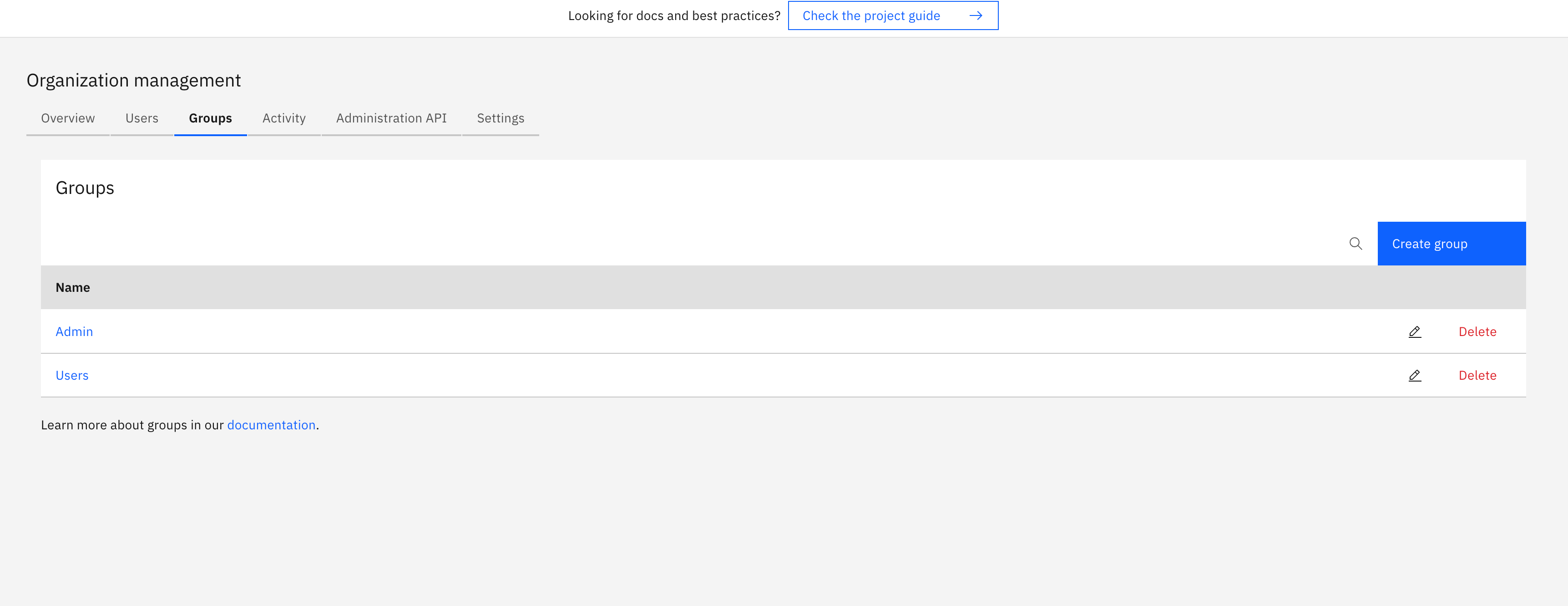
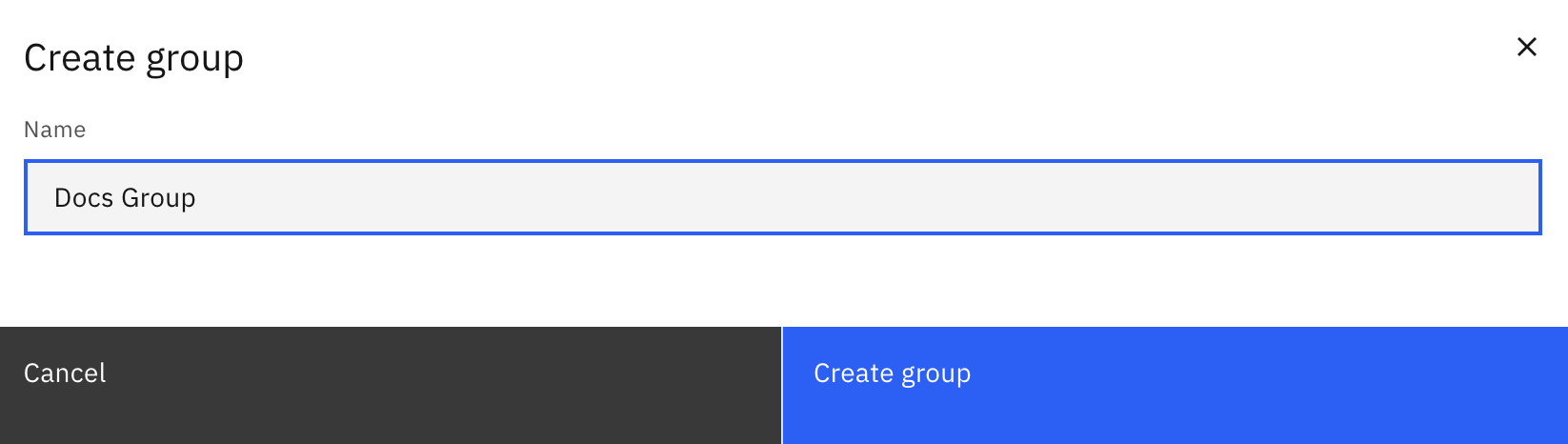
Click Create a group and enter the name of the group.
Adding users to a group
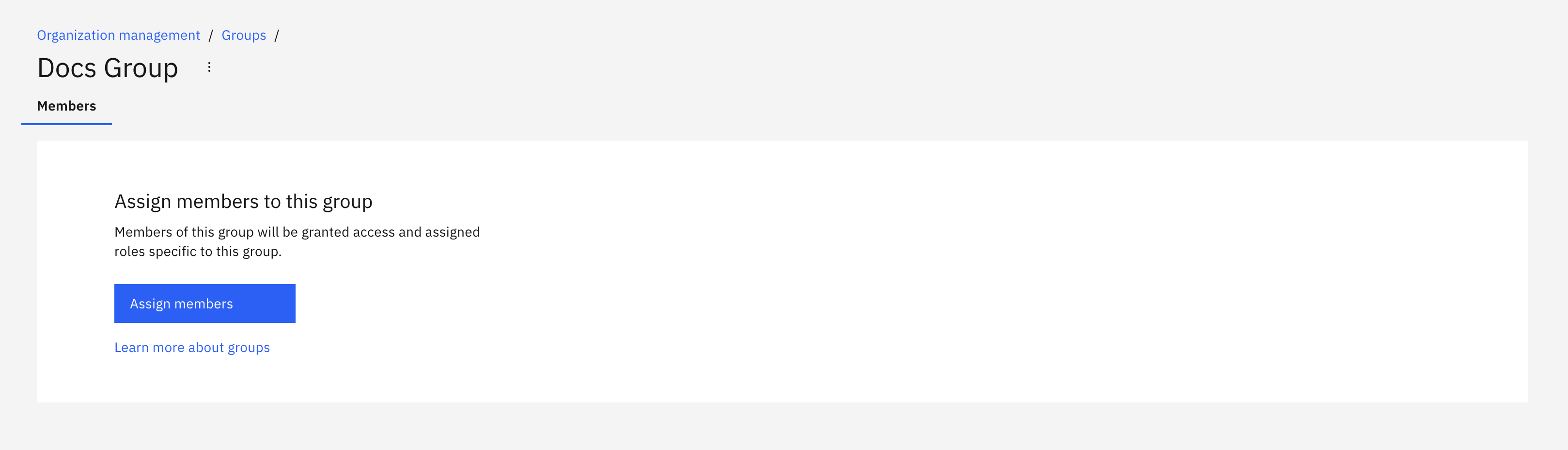
To add users to a group, navigate to the Organization section of Camunda Hub and click Users > Assign members.
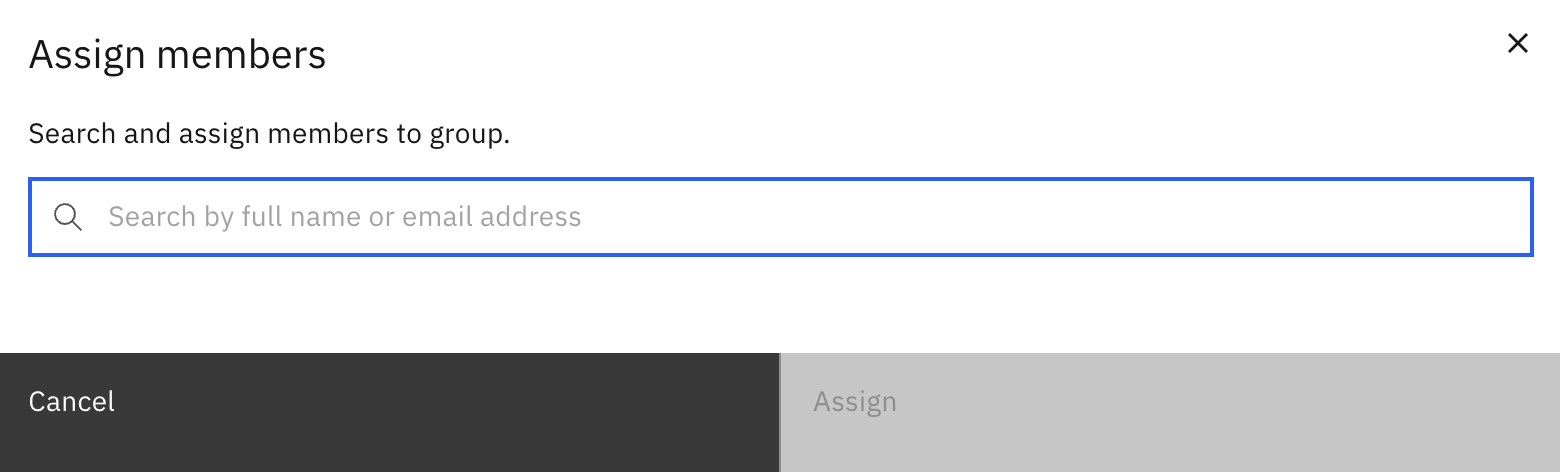
Select the user you want to add to a group and click Assign.
User task access restrictions
info
User task access restrictions were removed in Camunda 8.10 together with Tasklist V1. Use user task authorization and authorization-based access control for current task visibility rules.