Process application versioning
With 8.7, "milestone" was renamed to "version". To learn more about this change, see the related release note.
With 8.9, the main process label has been removed from process applications in Web Modeler. As a result, creating a process application version no longer sets the versionTag automatically on the main process XML. This does not affect the process application version tag you enter in the version creation modal. To set versionTag values on BPMN, DMN, form, and RPA files, edit them manually in the properties panel. See the related announcements on main process label removal and version tag control.
Process applications support versioning, allowing you to create distinct versions for the entire application. You can use versioning to save a single snapshot of all the process application files in one action. This helps you track a process application throughout its development lifecycle and ensures the correct version is referenced.
Version creation
To create a process application version:
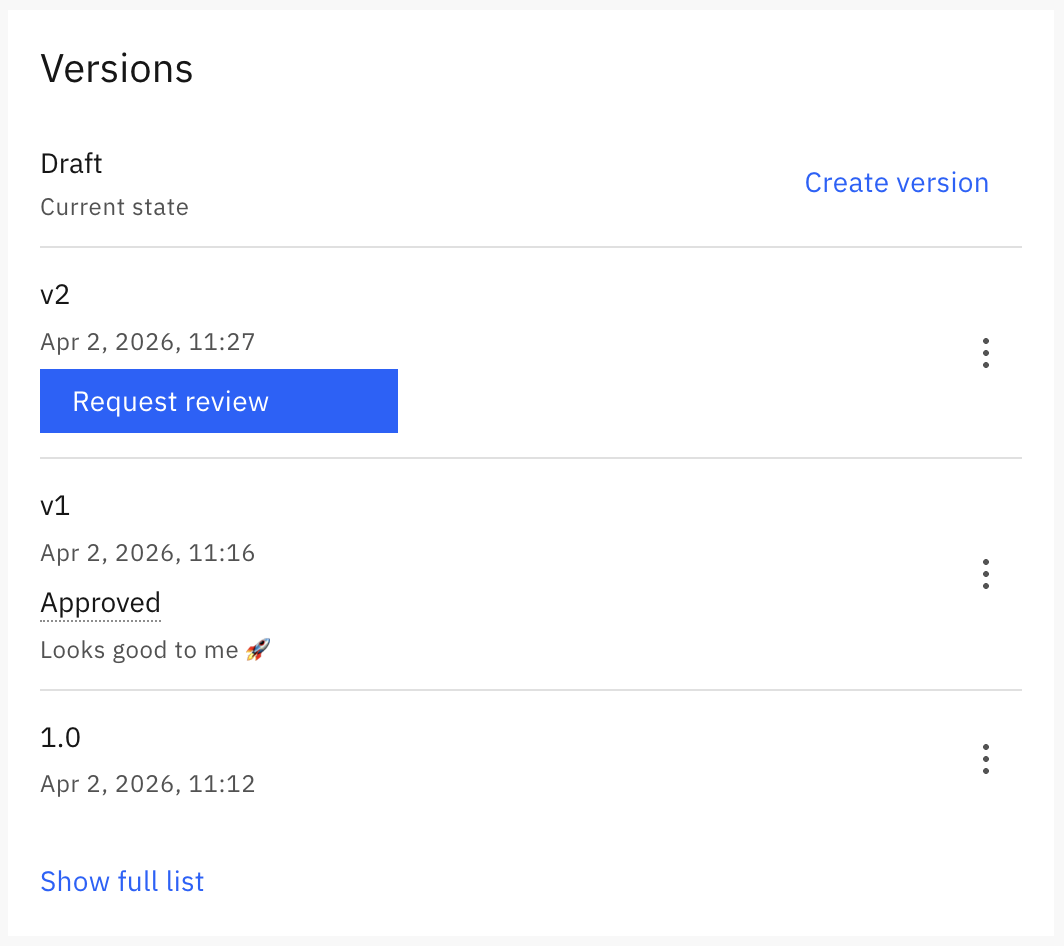
- Open the process application homepage and click Create version in the Versions section.
- Enter a Version tag in the version creation modal.
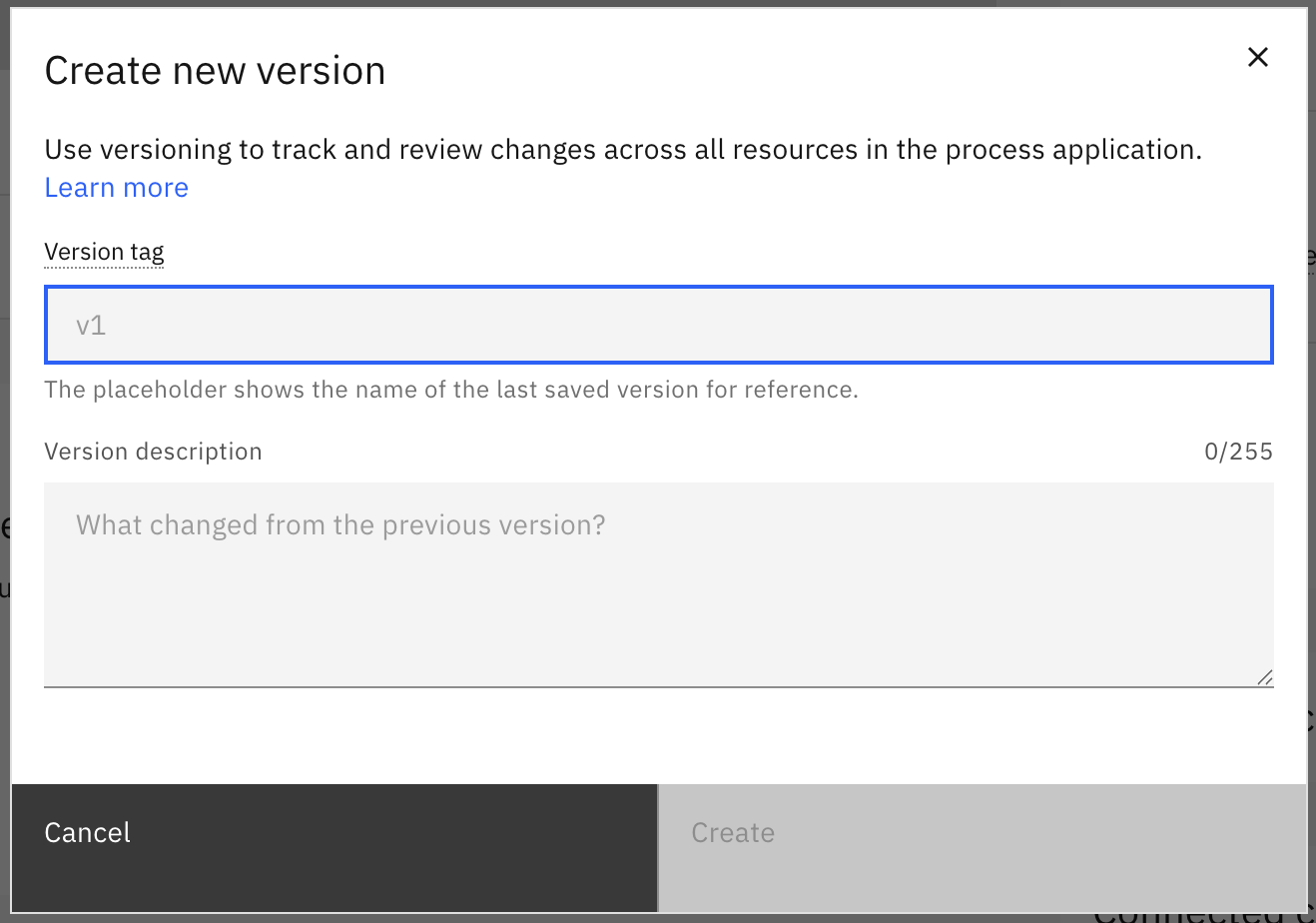
- Select the Create button.
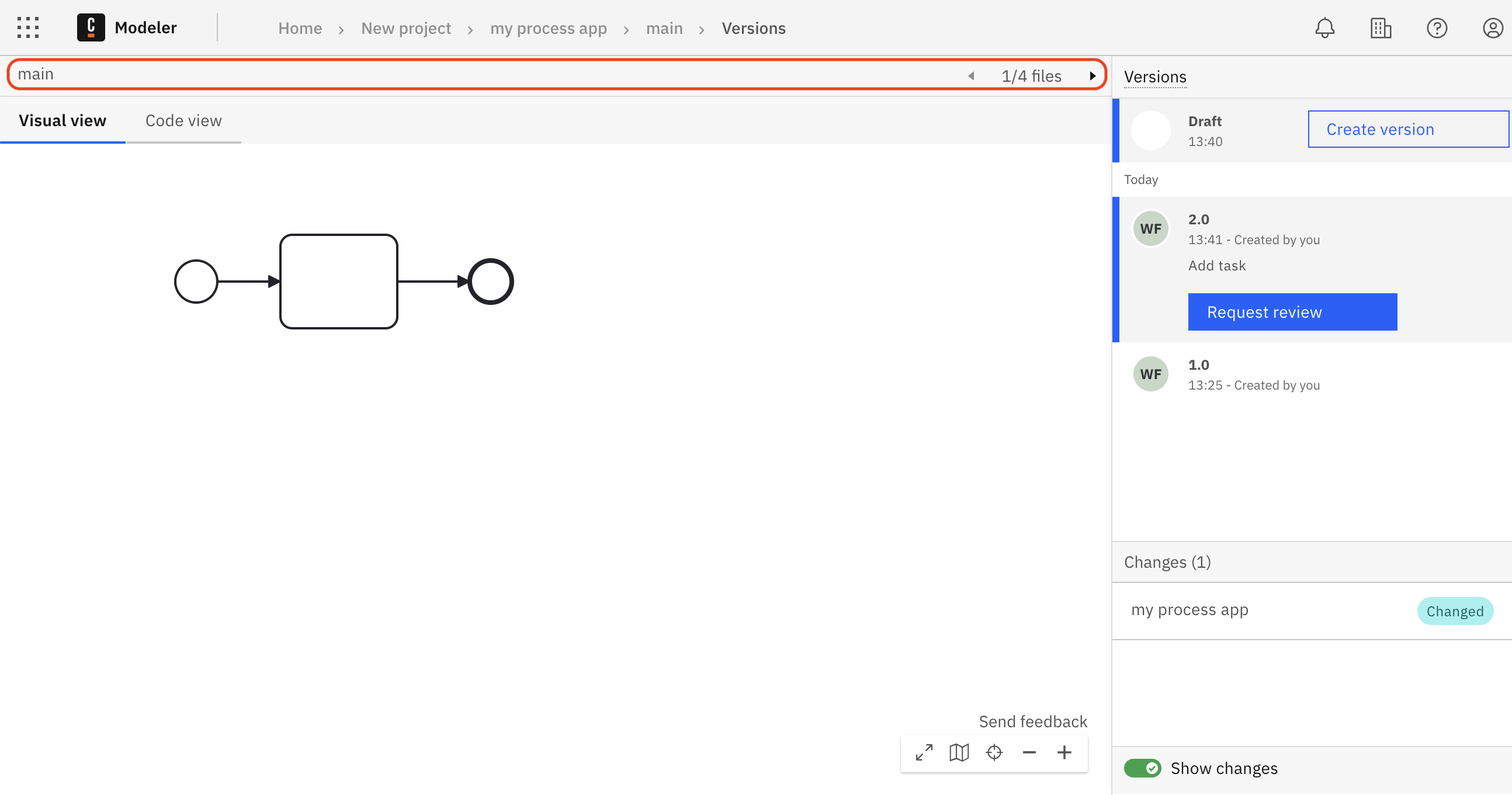
On the versions page, which you open with See full list, you can use the file navigation header buttons to switch between files and view their content. See also compare versions.
Version actions
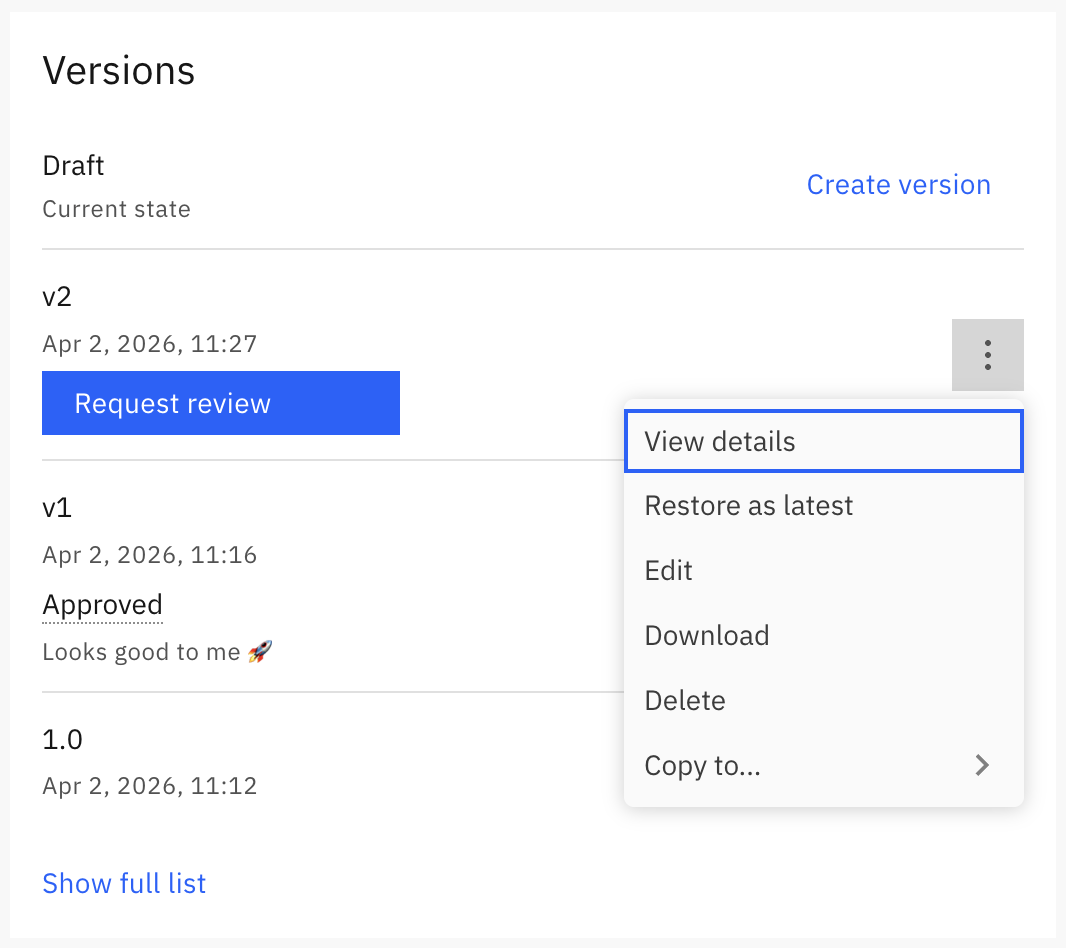
You can perform the following actions on a process application version:
- View details, which opens the version details page so you can review the contents of all files in the version.
- Restore as latest, which is useful for reverting changes, making further edits, git syncing, downloading, or using Play.
- Edit
- Deploy, especially after the version has been reviewed.
- Download
- Delete
- Copy, which creates a new process application with the files from the version.