Use connectors
Use Camunda 8 connectors to access a growing range of external services or communication protocols.
Desktop Modeler includes a built-in element template source, Camunda connectors, that provides templates for pre-built connectors from the Camunda Marketplace. You can enable or disable it in Settings > Element template sources. You can also configure custom element template sources.
Automatic connector template fetching
The built-in Camunda connectors source is enabled by default. Desktop Modeler checks it when you import a diagram into the editor or change the diagram's Camunda execution platform version.
Desktop Modeler does not show a notification when the source has no new templates. It notifies you when new templates are available or when it cannot retrieve or process a source or template. If a fetch fails, cached templates remain available.
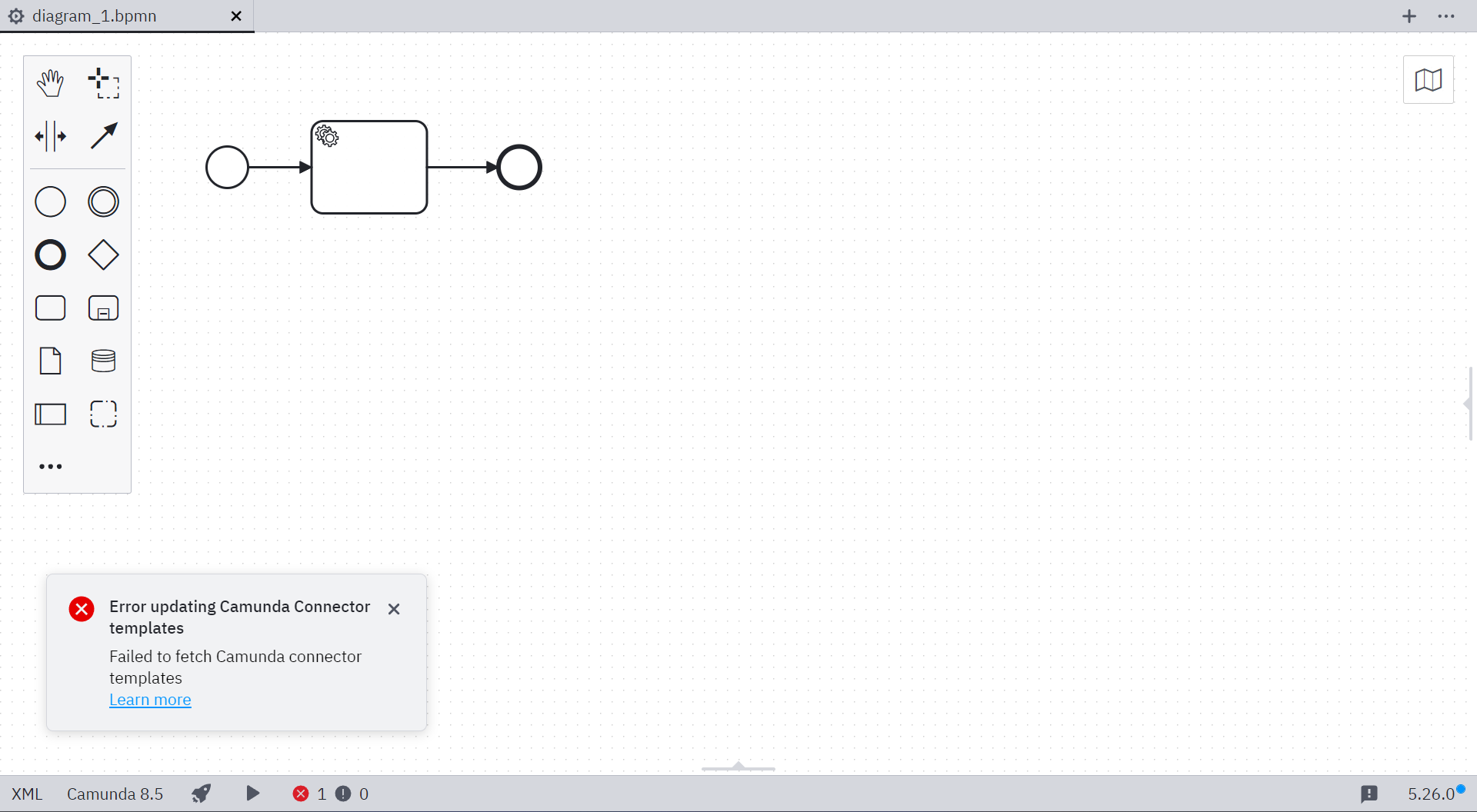
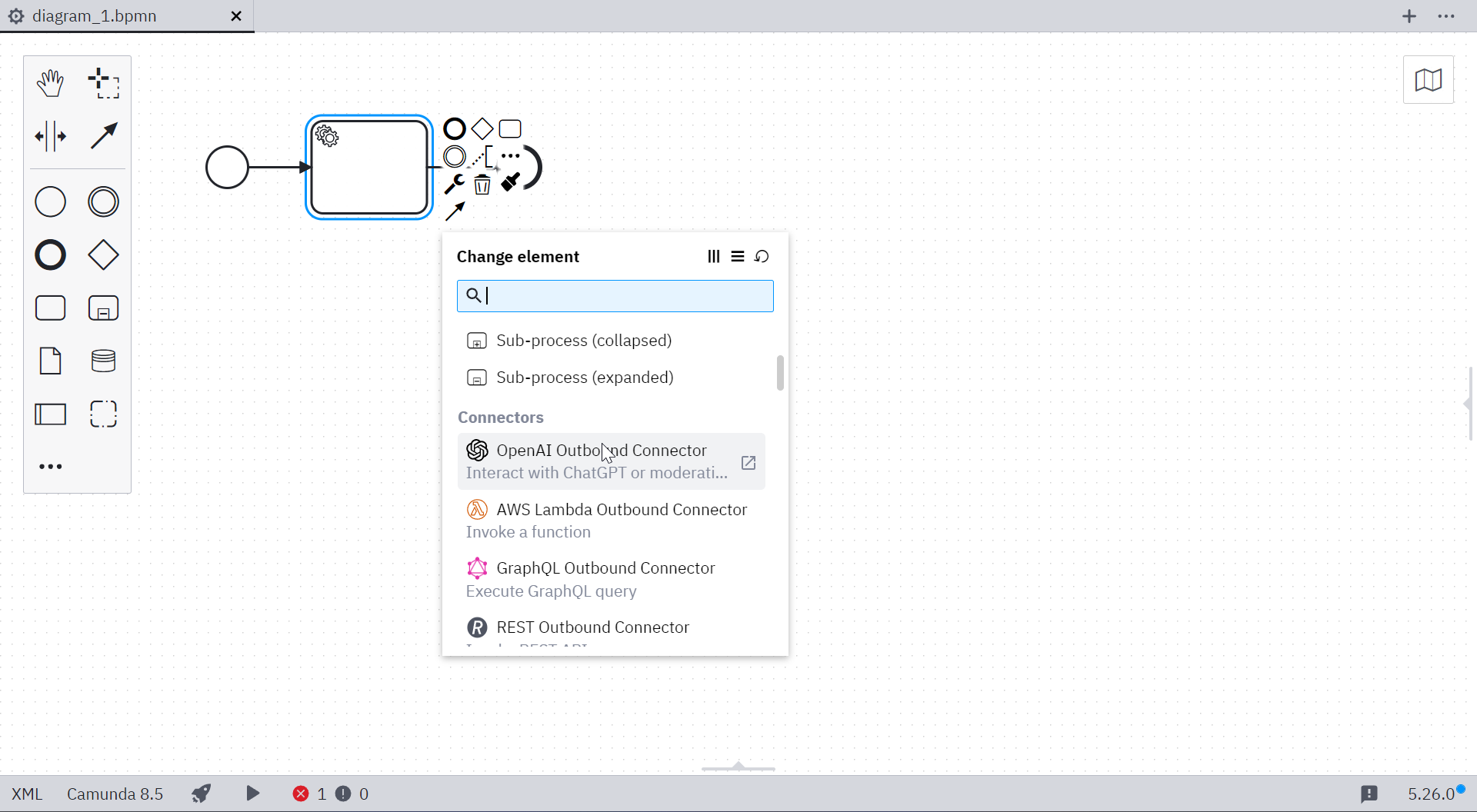
Once available, you can use connector templates in the Camunda 8 BPMN editor.
Disable automatic connector template fetching
Disable the built-in Camunda connector source using its toggle in Settings > Element template sources. The disable-connector-templates flag overrides the toggle and locks the built-in source setting. Custom sources are not affected.
Add connector templates manually
To add connector templates from the filesystem, use the global template search paths.