Projects
A project, also called a Camunda project, is the unit you build, test, and deploy together to form a Camunda solution. It contains a collection of process resources, such as an entry point process, supporting processes, DMN decisions, or forms, that often represent an end-to-end use case.
A project is the same concept in Camunda Hub and in local development. In Camunda Hub, it's an entity within a workspace. In local development, it's a folder with a camunda.json file. With Git sync, you can keep both representations of the project in sync.
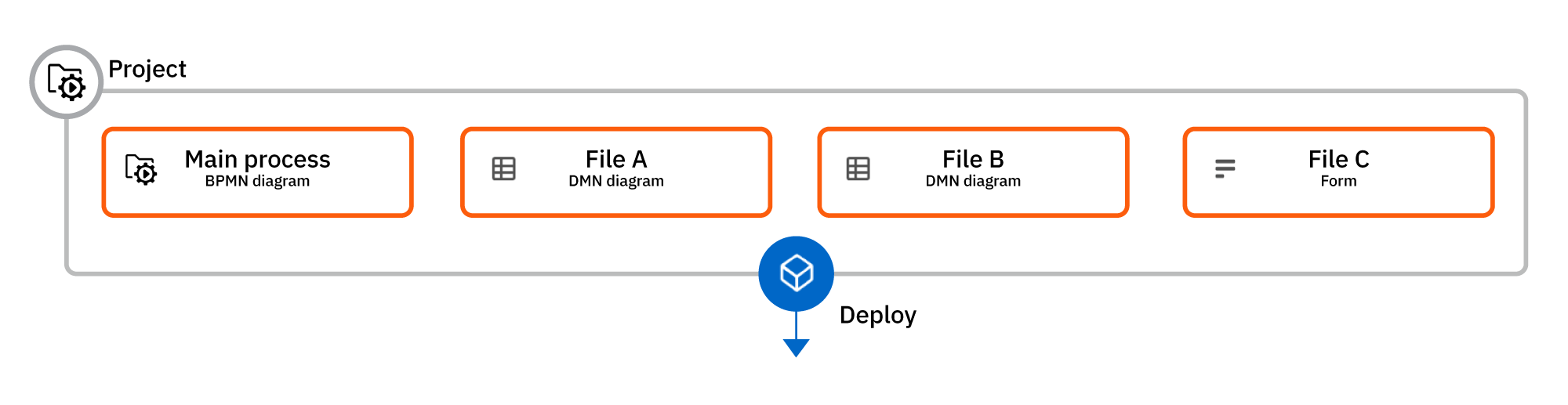
Example
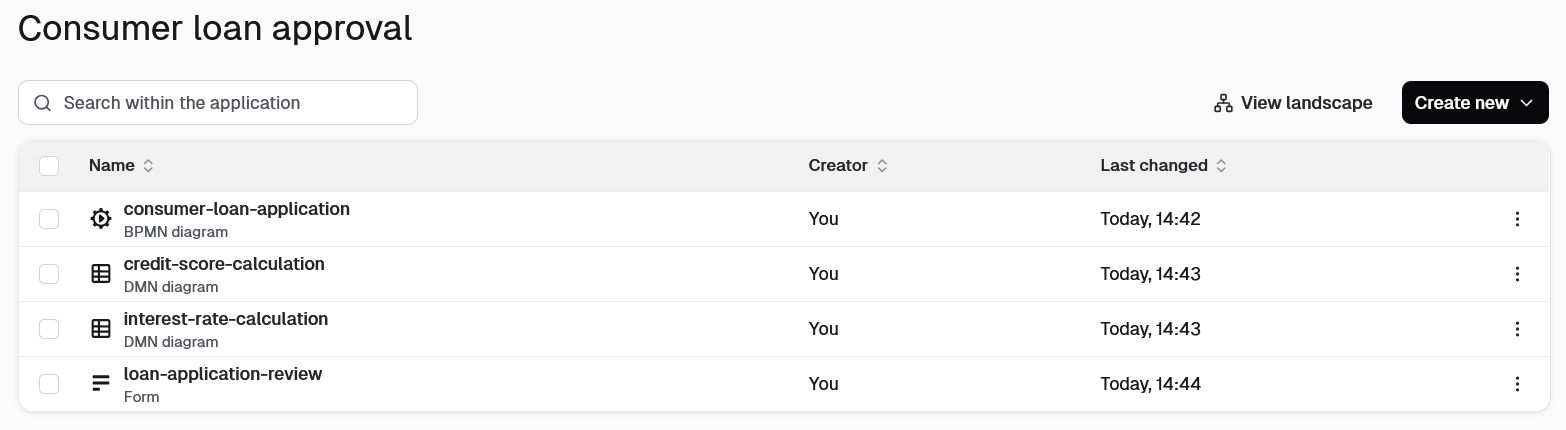
A consumer loan approval project might bundle:
- A BPMN process as an entry point to define the workflow:
consumer-loan-application.bpmn - DMN decision tables for business rules:
interest-rate-calculation.dmnandcredit-score-calculation.dmn - A form for user interactions:
loan-application-review.form
Projects in Camunda Hub
In Camunda Hub, a project is an entity within a workspace: workspaces contain projects, and projects contain files.
You can treat files in a project as a single bundle or as independent resources. For example, you can:
- Take a snapshot of the current state of all project files.
- Manage individual file versions.
- Deploy an entire project to an environment assigned to its workspace.
- Deploy individual project resources.
Projects in local development
In local development with Desktop Modeler and c8ctl, a project is a folder with a camunda.json file (an empty {} is enough).
A project works without Camunda Hub. When you deploy a directory inside a project with c8 deploy, c8ctl deploys the whole project. Unlike in Camunda Hub, Desktop Modeler always deploys all project resources together.
Migrate from process applications
Camunda projects supersede process applications, but Desktop Modeler and c8ctl continue to support the .process-application marker file. To migrate, rename .process-application in your project root to camunda.json. If a folder contains both files, camunda.json takes precedence. For c8 watch, the --project flag replaces --process-application and --pa, which remain as deprecated aliases.
Next steps
Read more about how to use projects: