Delete resources
A specific version of a resource, meaning a process or decision definition, can be deleted from the Processes and Decisions pages.
Delete process definition from Processes page
To delete a process definition from the Processes page, take the following steps:
- On the Processes page, select a specific process version by filtering by process name and version.
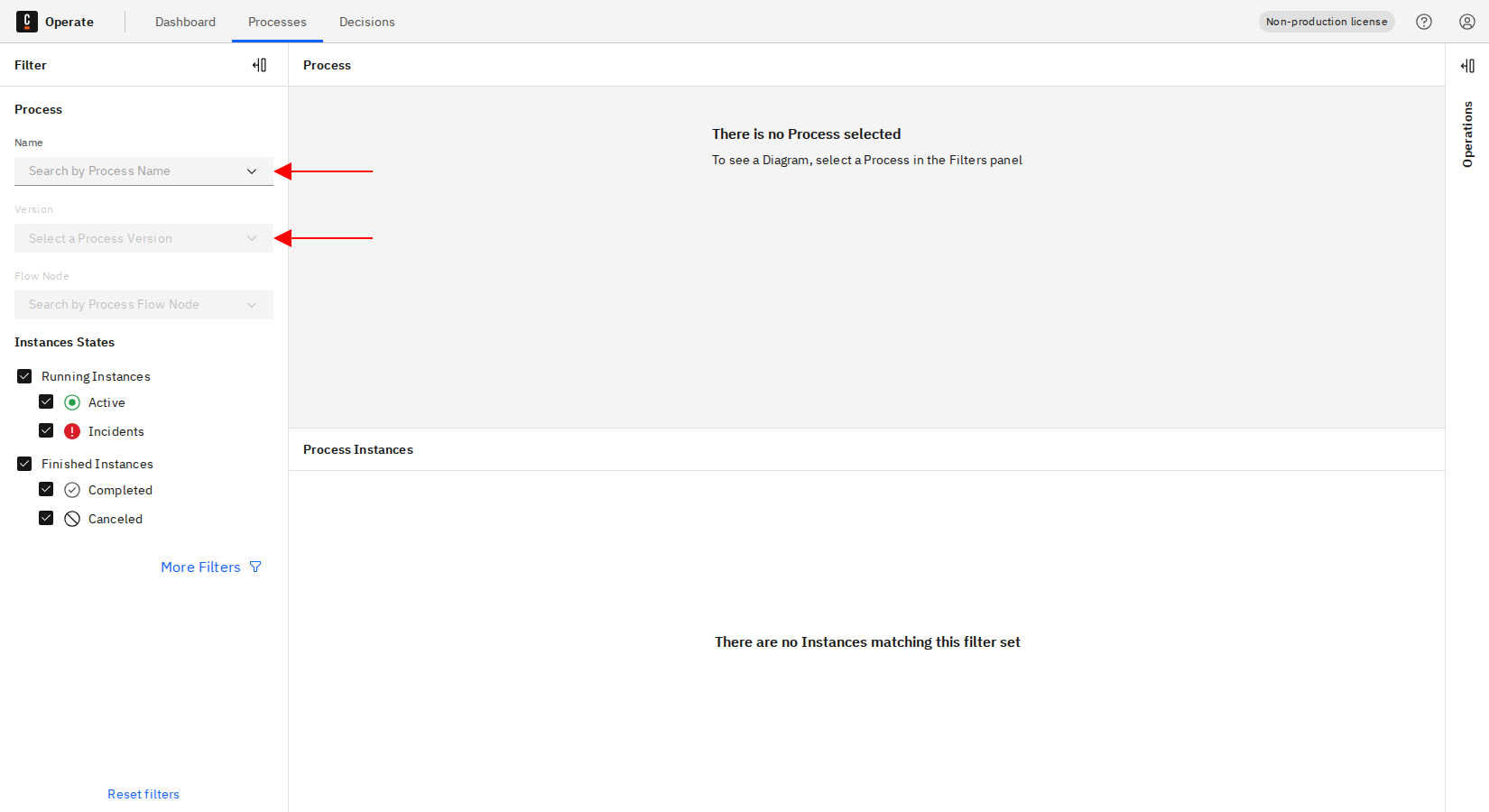
In Operate, you can only delete a process definition version that has no running instances; the Delete button is disabled otherwise. You can cancel or resolve running process instances from the process instances list or from the process instance detail page.
A process definition that was deleted while it still had running instances (for example, using the delete resource command) is draining. Operate marks it with a Draining tag and removes it automatically once its last instance finishes. To see which instances are keeping it alive, open the definition and view its running instances.
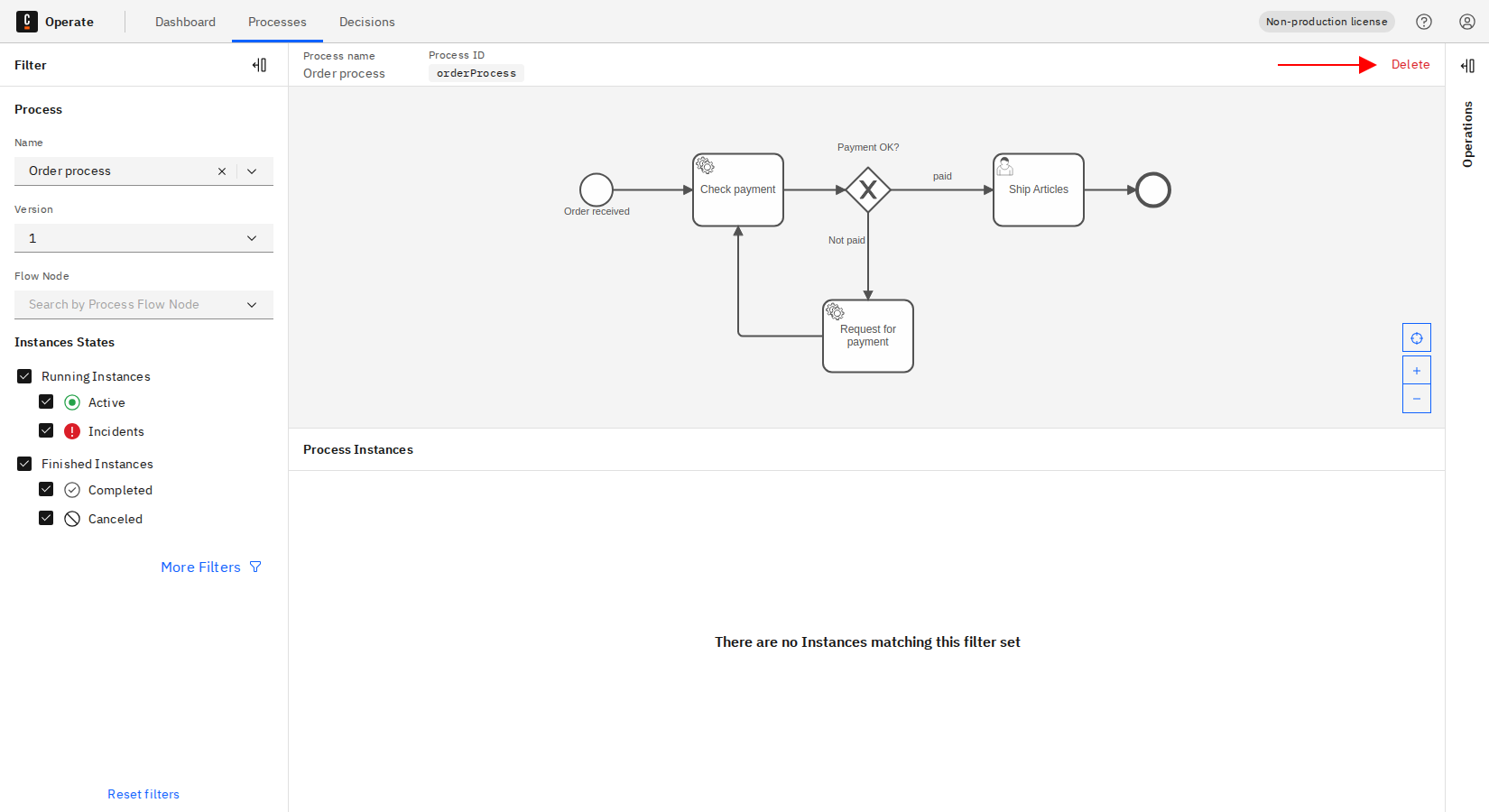
- Click the Delete button at the top right.
- Confirm the delete operation by checking the checkbox and clicking Delete.
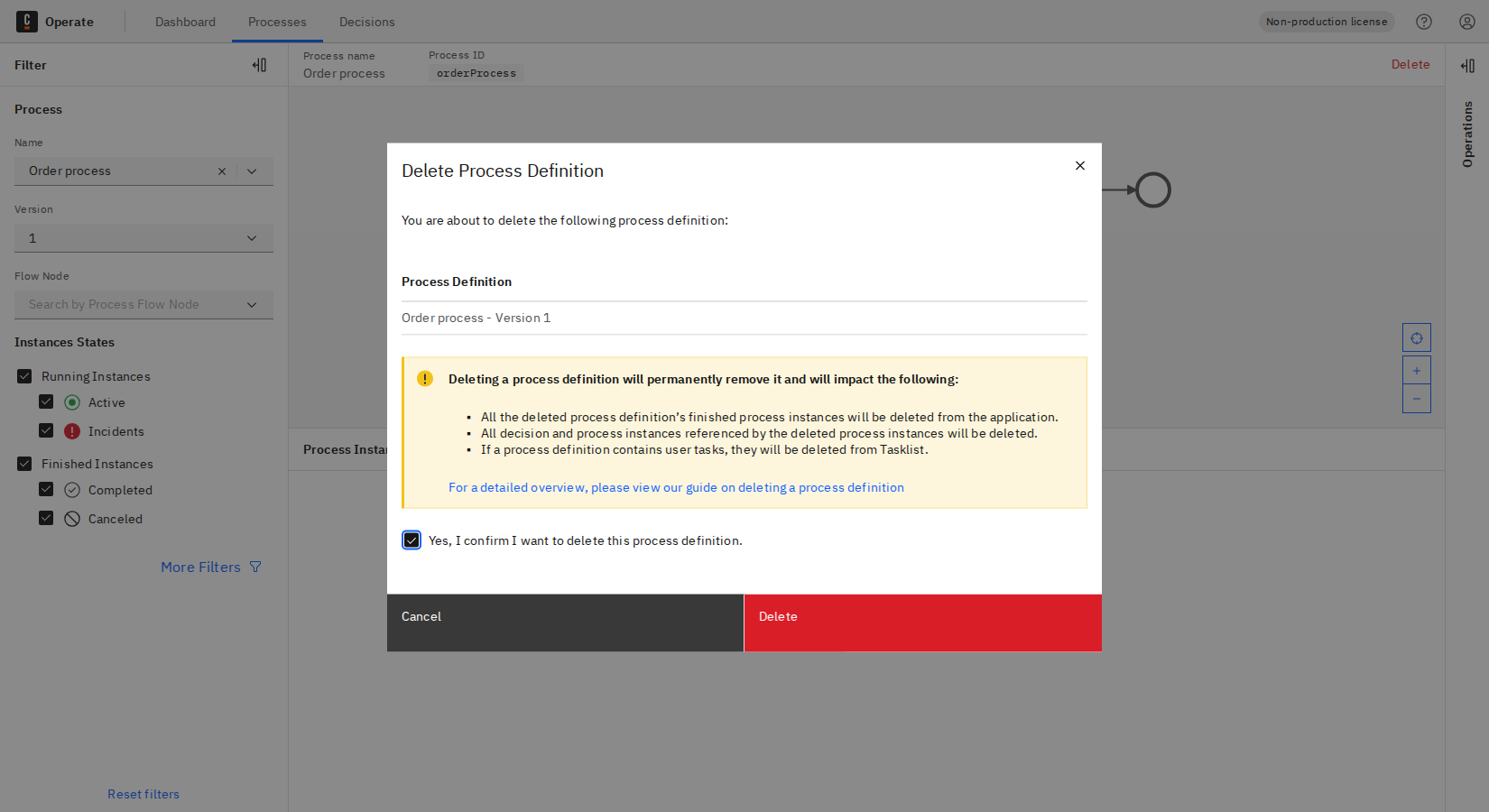
Deleting a process definition will permanently remove it and will impact the following:
- All the deleted process definition's finished process instances will be deleted from the application.
- All decision and process instances referenced by the deleted process instances will be deleted.
- If a process definition contains user tasks, they will be deleted from Tasklist.
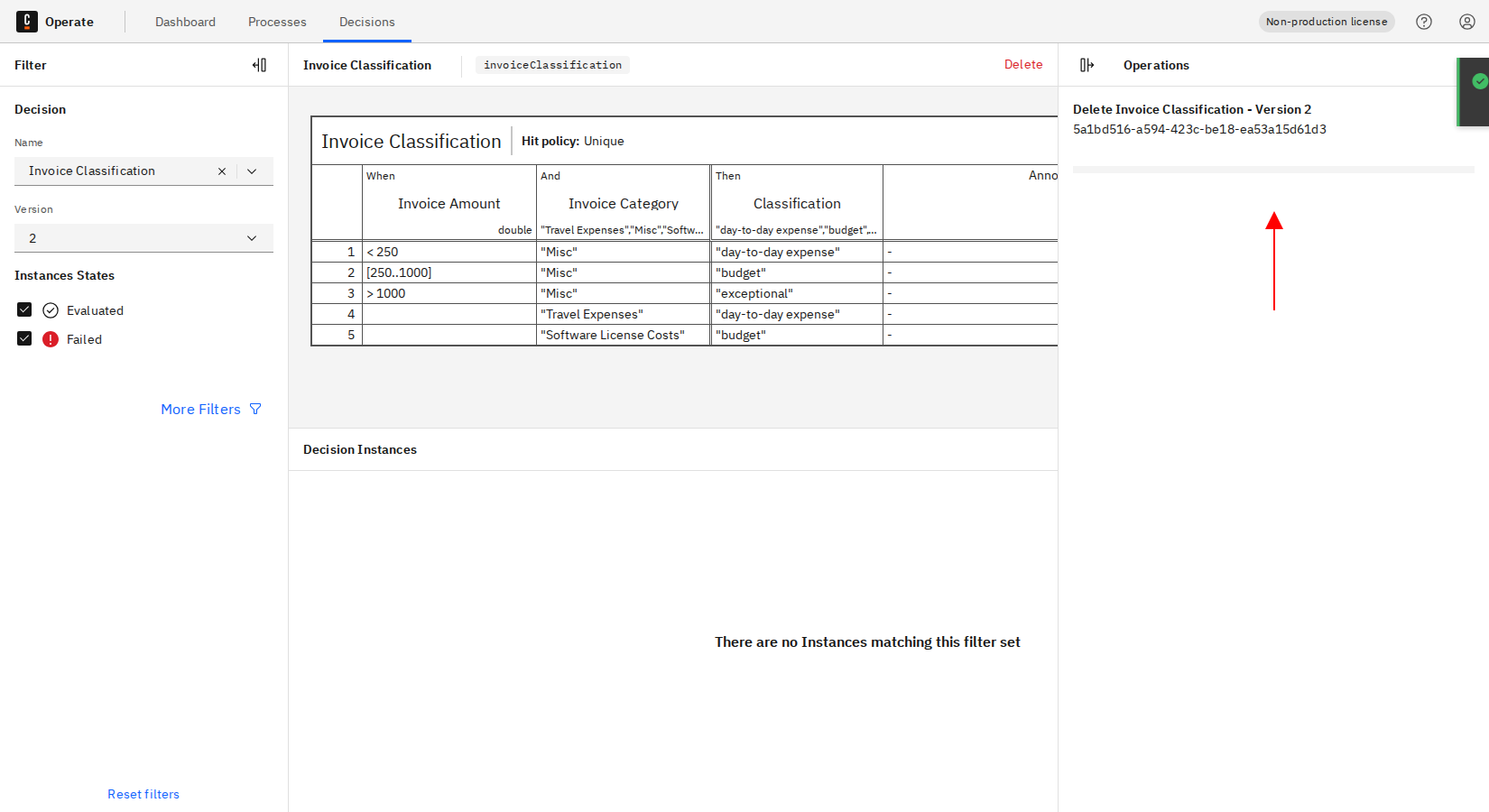
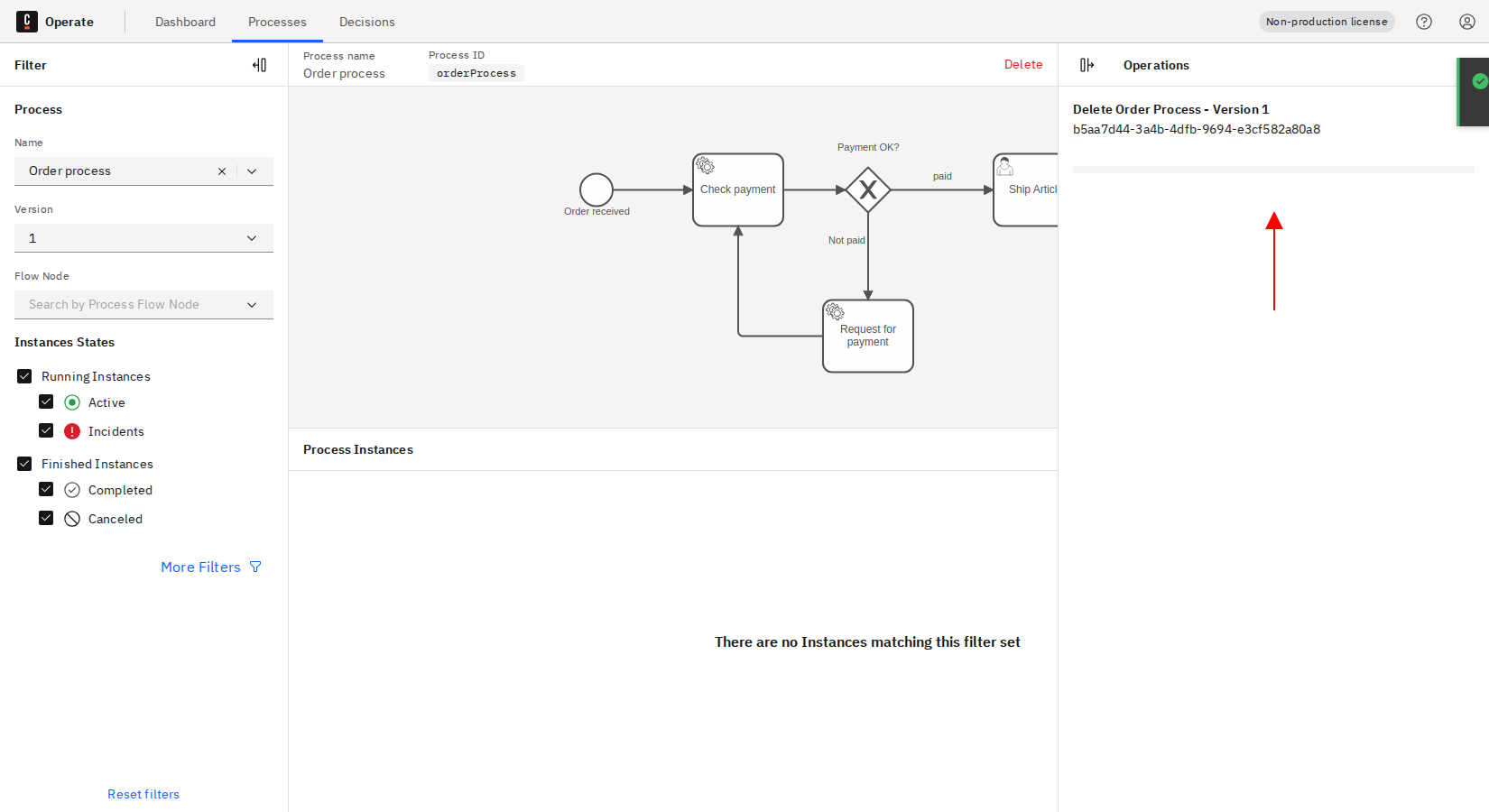
- The progress of the delete operation can be seen in the Operations panel on the right side of the screen.
Delete decision definition from Decisions Page
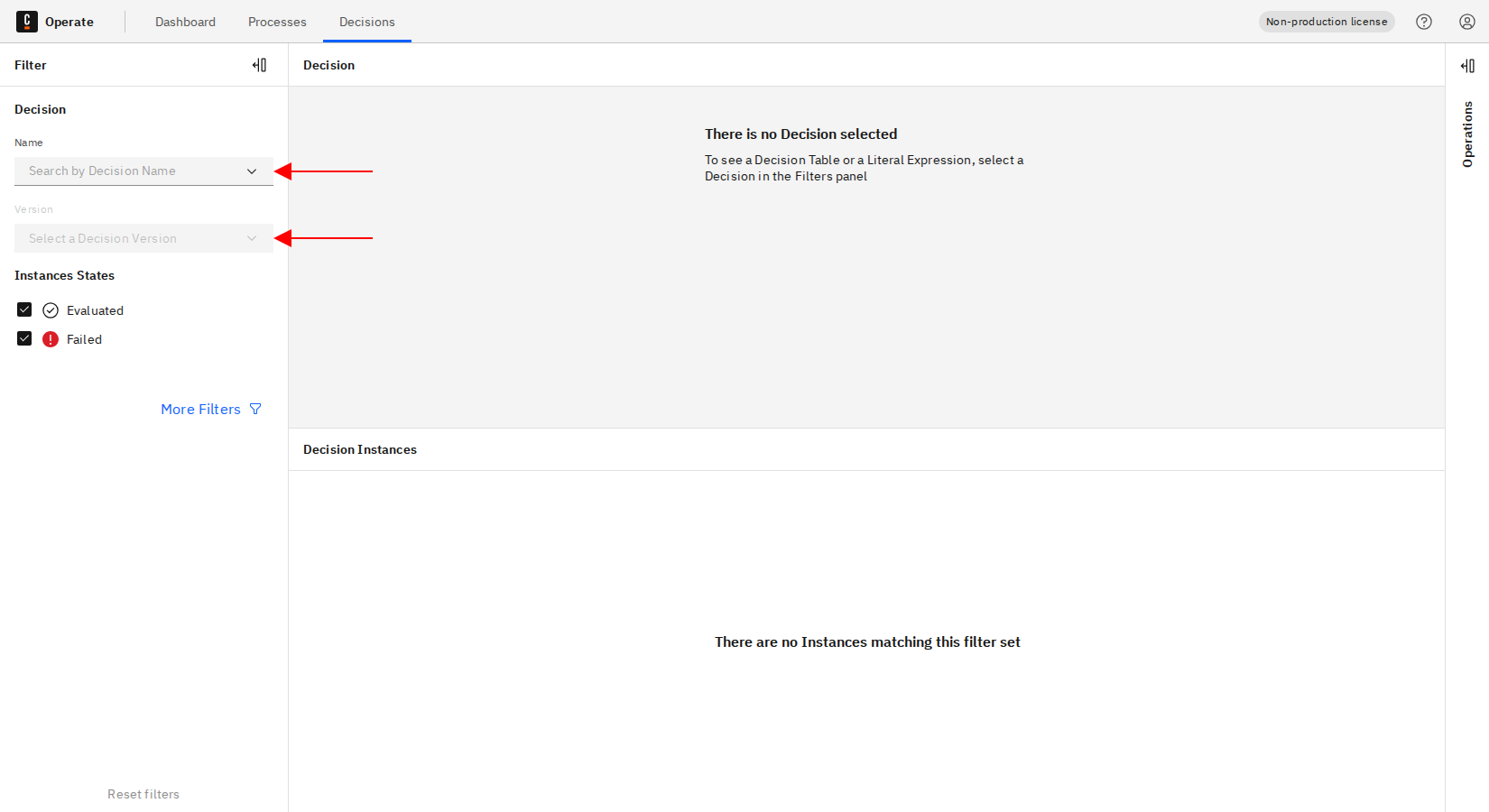
- On the Decisions page, select a specific decision version by filtering by decision name and version.
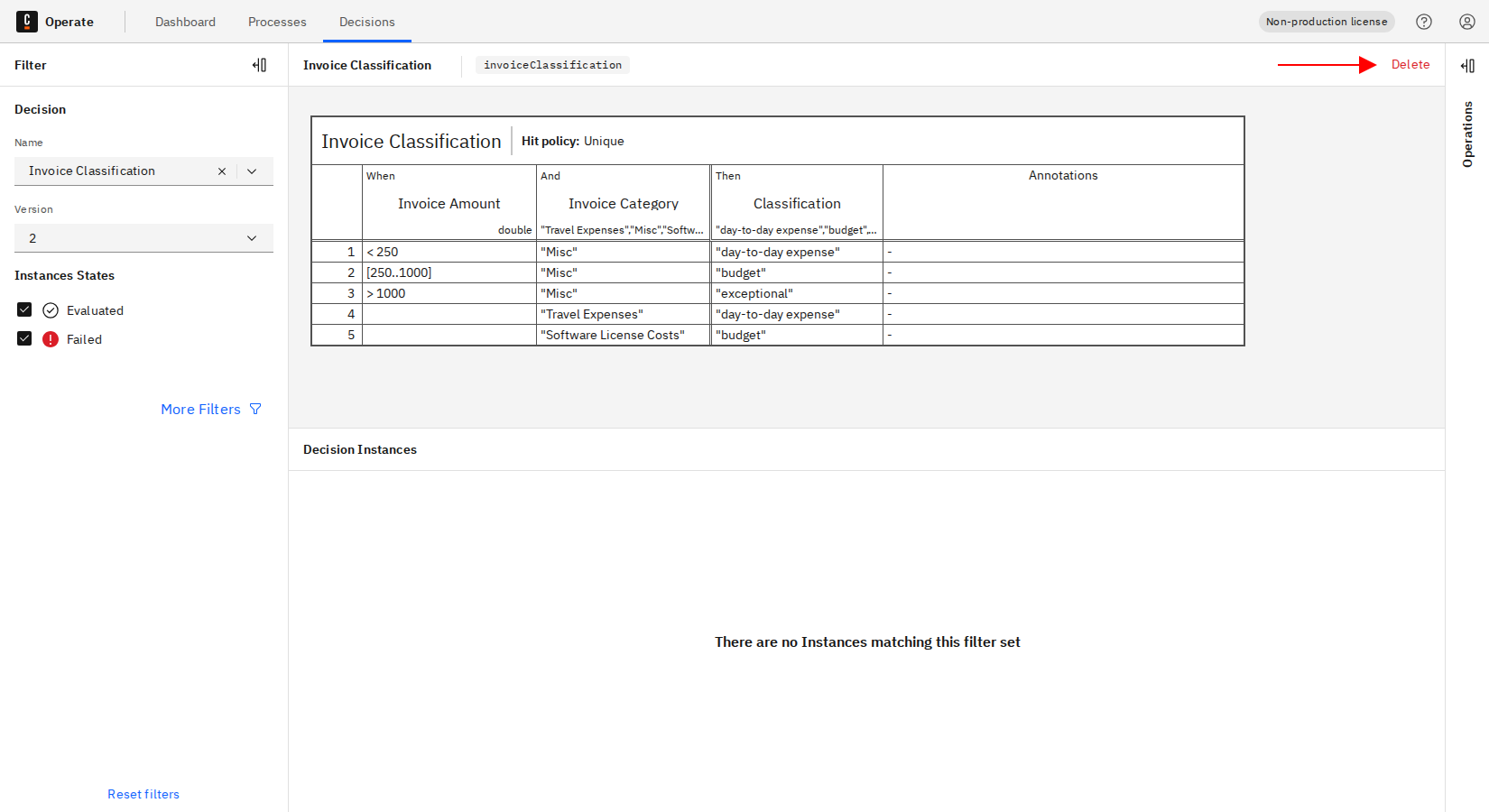
- Click the Delete button at the top right.
- Confirm the delete operation by checking the checkbox and clicking Delete.
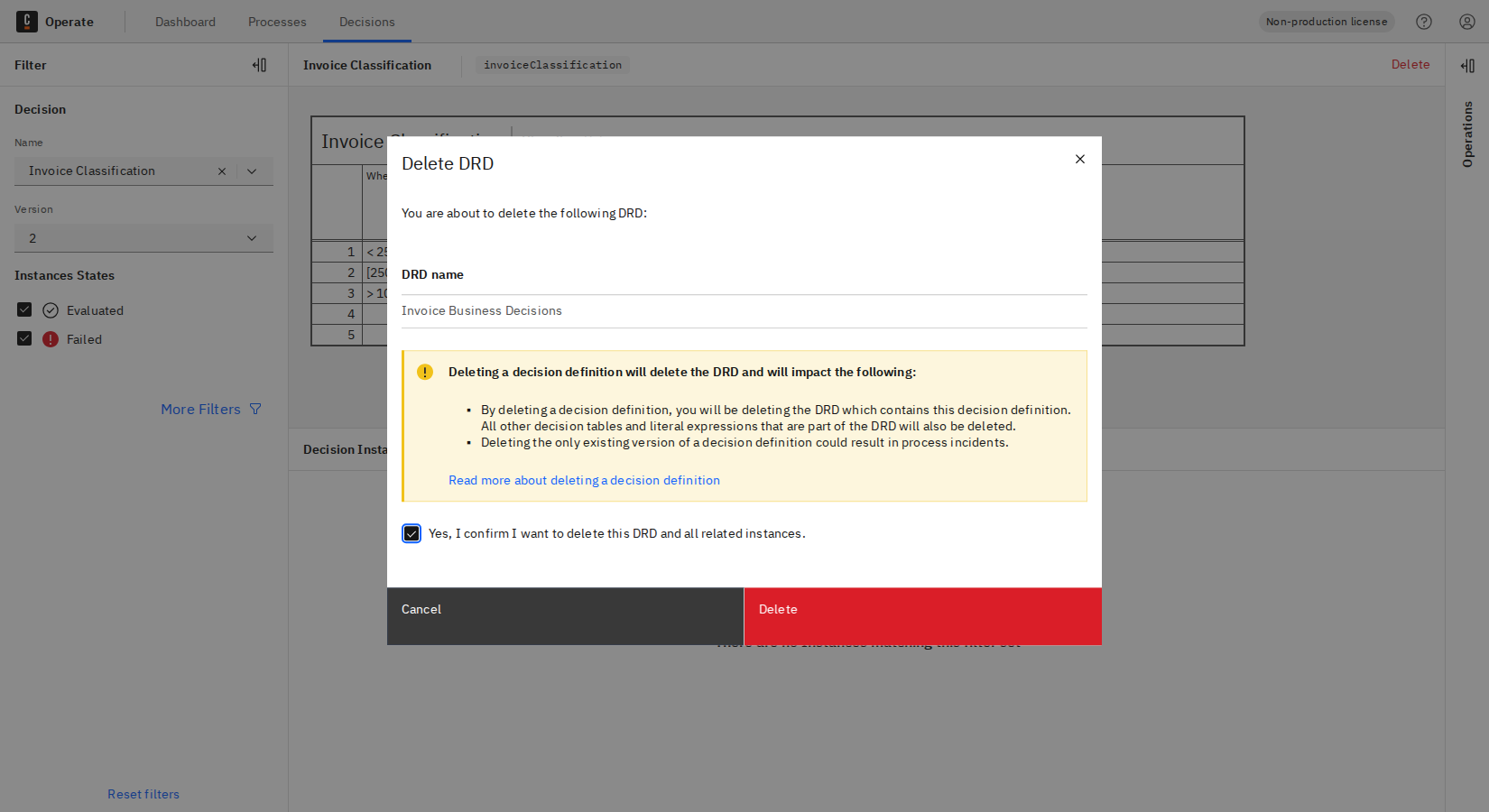
Deleting a decision definition will delete the DRD and will impact the following:
- By deleting a decision definition, you will be deleting the DRD which contains this decision definition. All other decision tables and literal expressions that are part of the DRD will also be deleted.
- Deleting the only existing version of a decision definition could result in process incidents.
- The progress of the delete operation can be seen in the Operations panel on the right side of the screen.